REVIEW · NAPLES
Campania: Pompei+Herculaneum+Vesuvius audio guide
Book on GetYourGuide →Operated by ITGUIDES · Bookable on GetYourGuide
Roman ruins, guided by your phone.
This Campania audio bundle (ITGUIDES) gives you smartphone freedom across Pompeii, Herculaneum, the Naples museum scene at MANN, plus Vesuvius and Oplontis, all without joining a group. I like the geolocated design, since the app uses maps and location to help you find the right spot as you walk. I also like how the more complex areas are split into sections, so you can follow along in places like Pompeii’s and Herculaneum’s bigger home zones and the MANN collections without feeling lost.
The main drawback to plan around is that the app experience can be inconsistent on some phones and switching apps can cause audio or map behavior to reset, especially on iOS. If you rely on it like a single-point navigation system, build in a tech buffer (offline access and a calm Plan B mindset).
In This Review
- Key things to know before you buy
- Why a smartphone audio guide works in Campania
- Setting up the ITGUIDES app before your first ruins
- Getting help fast if something glitches
- Pompeii by audio: pacing yourself through the big domus zones
- A realistic planning note
- Herculaneum ruins: smaller site, still a lot to follow
- The phone-friendly rhythm you’re after
- Naples city center: using the audio to connect ruins to real life
- MANN museum time: Farnese and Egypt collections in workable sections
- What you’ll likely feel during your visit
- Vesuvius and Oplontis: the outdoor audio that matters when views are big
- A small reality check
- Price and logistics: what you’re really paying for
- One caution that can truly waste money
- App reliability: the one area you should test before you rely on it
- My practical advice
- Who this works best for
- Should you book this Campania audio guide bundle?
- FAQ
- What sites are included in the Campania audio guide bundle?
- Do I need to buy tickets separately?
- Is there a meeting point?
- What device do I need to use the audio guide?
- Are the audio guides geolocated for outdoor attractions?
- How long do I get to use the guides?
- How do I get help if I have an issue with the app?
- Is the tour wheelchair accessible?
Key things to know before you buy
- One product, multiple major sites: Pompeii, Herculaneum, MANN, Vesuvius, Villa di Poppea (Oplontis), and Naples city center are all included.
- Geolocation for outdoor spots: the audio is location-aware, which is handy at Vesuvius and Oplontis.
- Sectioned stops: big areas (like major domus zones in Pompeii and Herculaneum, plus MANN collections such as Farnese and Egypt) are divided so you stay oriented.
- You use your own phone: your device is yours, and you control earphones and power.
- Audio stays with you: the guides are described as yours forever.
- No tickets included: you’ll need to handle site entry separately.
Why a smartphone audio guide works in Campania
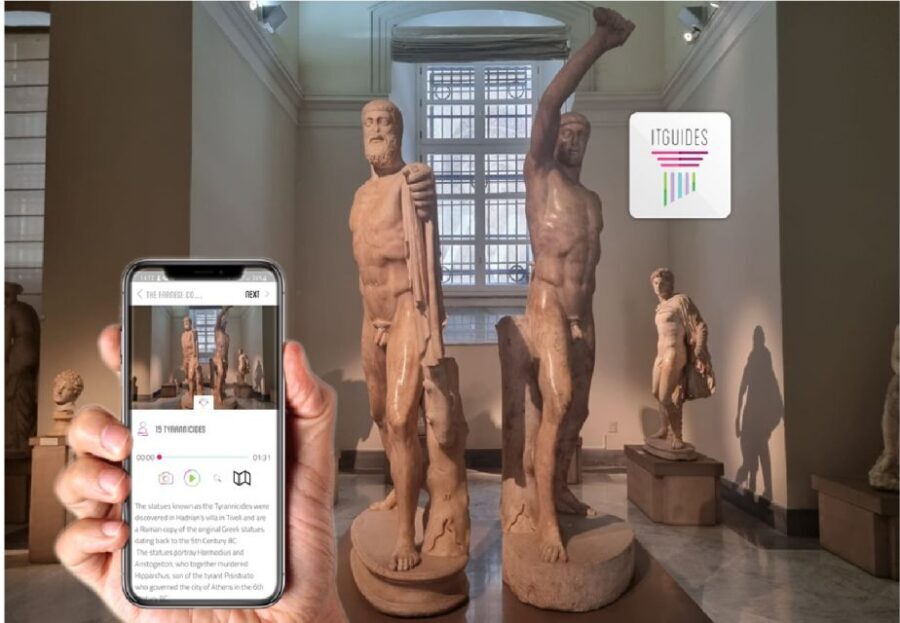
Campania is crowded, spread out, and full of visual detail. Pompeii and Herculaneum aren’t the kind of places where you can read every plaque and still have energy left for the next street corner. A smartphone audio guide is a smart match because you can pause, rewind, and move at your own pace.
This bundle is also good value because it covers more than one site category. You’re not only doing outdoor ruins; you’re also doing museum time at MANN (Archaeological Museum of Naples) and adding two extra stops—Vesuvius and Villa di Poppea (Oplontis)—plus Naples city center audio.
If you're still narrowing it down, here are other tours in Naples we've reviewed.


Setting up the ITGUIDES app before your first ruins

This is a self-guided product, so your “logistics” mostly happen before you arrive. There’s no meeting point, and you can start using your audioguides right after purchase—once you download and redeem them inside the ITGUIDES app.
Here’s what matters for a smooth start:
- You need an Android or Apple smartphone. Earphones are best, but not required.
- Download the audio contents with good cellular signal or Wi-Fi before you head in. The app is designed as a full online product experience, so weak connectivity can break your flow.
- Bring a power bank. You’ll use GPS, audio, and screen time across multiple hours.
If you want to test first, there’s a free demo available in the app before purchase. That’s not a small detail here; the demo helps you confirm the app interface feels clear to you.
Getting help fast if something glitches
Support is handled right in the app via WhatsApp. That’s useful when you’re standing in front of a big ruin and you want the correct section rather than guessing. If you’re the type who likes a quick human answer, this support channel is a nice reassurance.
Pompeii by audio: pacing yourself through the big domus zones
Pompei is where most people want the most context. The ruins are vast, and the details can blur if you only rely on signage. This app is designed to keep you “linked” to what you’re seeing by splitting larger areas into sections.
That split matters in practical ways. In Pompeii, the audio is not treated as one long narration. Instead, key zones—like the larger domus areas—are broken into smaller segments so you can match the voice to your location and avoid that frustrating feeling of hearing about something you aren’t looking at yet.
You’ll also appreciate the “you control the pace” approach. Pompeii is tiring. If you want more story time, you can slow down. If you’ve got a strict schedule, you can keep moving and still get the essentials.
A realistic planning note
Pompeii entry needs a ticket you buy separately, since this bundle doesn’t include admission. Also, because you’re using GPS and maps, give yourself a little time to get your phone ready before you enter the busiest areas.






Herculaneum ruins: smaller site, still a lot to follow

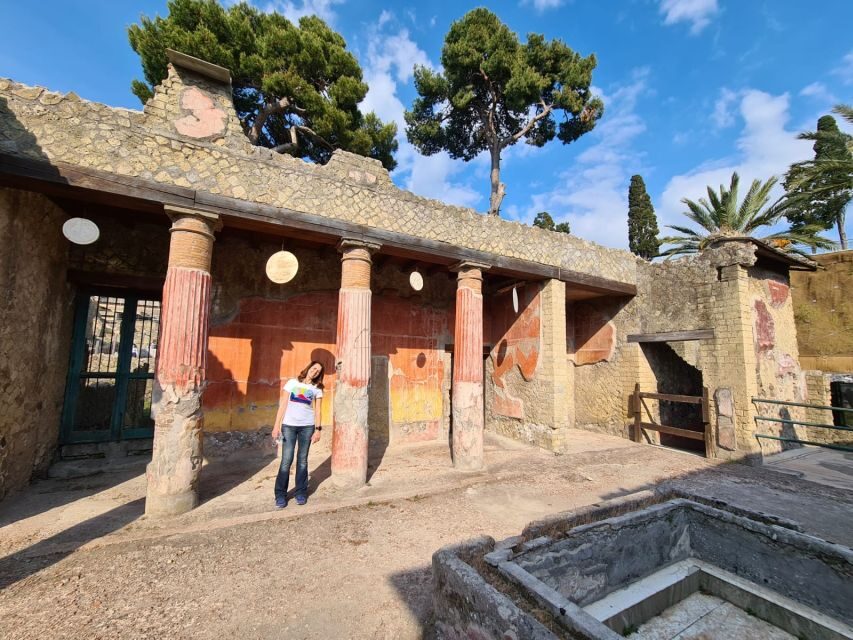
Herculaneum often feels more intimate than Pompeii, but it still has complex interior spaces and major homes that can take time to interpret. The app mirrors the same strategy here: it organizes the experience into sections so you can follow along through larger home areas without jumping around.
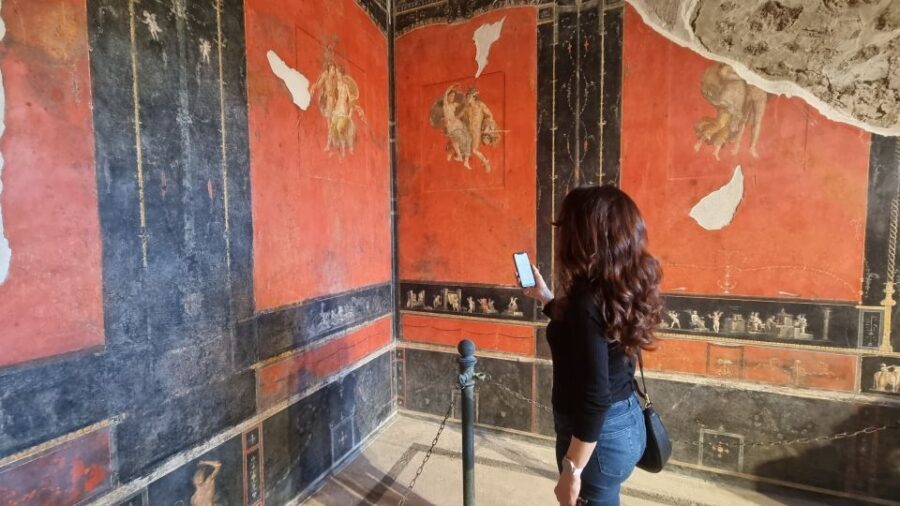
The guide specifically references major home zones such as the House of Menandro and the House of the Cervi, which tells you the app is aimed at the kinds of rooms and murals people actually want to understand. When the audio is sectioned, you spend less mental energy re-orienting and more time watching for the details the guide is pointing out.
The phone-friendly rhythm you’re after
Your best approach at Herculaneum is simple: put on the earphones, start the correct section, and only switch sections when you’re clearly in the right area. Because the app uses maps and geo localization, you’ll usually be able to find what’s next without a complicated route plan.
Naples city center: using the audio to connect ruins to real life
Not every Naples add-on is worth it. This bundle includes Naples city center audio, which can be a useful bridge between the Roman sites and the living city. If you’ve just spent time in Pompeii or Herculaneum, Naples audio can help you frame what you’re seeing now with what you learned earlier.
This is the kind of guide that works best when you treat it like a walking soundtrack, not a strict checklist. Follow the map prompts, listen for context, then stop when you want to look at a street scene or square longer than planned.
MANN museum time: Farnese and Egypt collections in workable sections
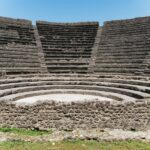
MANN is where the Roman world becomes concrete. Seeing objects in a museum changes how you understand the ruins, because you can connect everyday items to the bigger stories. The app includes MANN audio and breaks down complex collection areas into sections.
Two of the collections called out are the Farnese collection and the Egypt collection. If you’ve ever felt museum audio guides were written like a single lecture, this is a stronger format. Sectioning helps you keep track of where you are in the museum, especially in the moments where a gallery has multiple highlights competing for attention.
What you’ll likely feel during your visit
The best museum audio matches your pace. If you only have an hour, you can focus on the sections that matter most to you. If you have more time, you can keep moving through the next part of the collection while the audio stays relevant to your location.
One more practical note: museums are indoor and phones still need battery. Keep the power bank handy, especially if you plan to do Naples city center audio later the same day.
Vesuvius and Oplontis: the outdoor audio that matters when views are big
Outdoor attractions are where this bundle’s geolocation earns its keep. Vesuvius and Oplontis (Villa di Poppea) are both places where you want audio timed to your position and view.
Vesuvius audio is valuable because it helps you interpret what you’re looking at—without forcing you into a rigid tour schedule. The guide being geo localized for outdoor attractions means you’re not stuck listening to a description that doesn’t match where you are standing.
At Villa di Poppea (Oplontis), the audio guide becomes even more useful. Oplontis is often less talked about than Pompeii, but the villa site can feel like a big payoff when you’re in the mood for something slightly different. This bundle explicitly includes it, which makes it a standout option if you want more than the usual two ruins.
A small reality check
This is still self-guided. You’re not being transported or guided along a route by staff. You’ll want comfortable shoes and a phone setup that won’t die mid-walk.
Price and logistics: what you’re really paying for
At about $11 per person, the pricing is the headline, but the bigger story is what’s included. You’re covering multiple sites—Pompeii, Herculaneum, MANN, Vesuvius, Oplontis, and Naples city center—plus outdoor geolocation and sectioned content for complex areas.
The bundle also claims major savings compared to buying each guide separately (over 50% is the stated advantage). And one of the best reasons to consider this bundle is that it can be cheaper than buying individual audio guides on-site, where prices often jump.
There’s also a simple truth: tickets are not included. So you should budget for entry fees separately and plan your timing around ticketed sites. If you accidentally treat this as an all-in-one ticket package, you’ll feel that gap fast.
One caution that can truly waste money
The purchase is easy to get wrong if dates or redemption details don’t match your actual plan. There’s at least one experience where buying for the wrong dates wasted the purchase. Before you commit, double-check that your voucher dates match your real visit days.
App reliability: the one area you should test before you rely on it
This bundle can work extremely well when the app behaves. In particular, people praised the interface and how maps matched the real world. The content organization—breaking long stops into parts—also seems to make the experience less tiring.
Still, you should take the reported technical issues seriously:
- On some iOS setups, switching to other apps (like camera or maps) may reset voice/dialogue and map selection.
- Some sites may not be flagged perfectly, so you could end up looking at a spot where the app is a bit off.
- There’s also a complaint that some extra recordings feel amateur, which means you should focus on the core site audio rather than expecting every add-on to be polished.
My practical advice
Use the demo to see if the app interface clicks for you. Then keep it simple once you’re on-site: don’t constantly hop between apps. If you need to check directions, try to do it between sections, not in the middle of a listening moment.
Who this works best for
This bundle is a strong fit if you want:
- Independence: no group pressure, no fixed pace.
- Smart guidance: geolocation and sectioned stops help you avoid getting overwhelmed.
- Value: you want more than one site without paying separate guide fees each day.
- Museum + ruins balance: MANN is included, so you’re not forced to choose between “outside only” or “museum only.”
It may be less ideal if you:
- Depend on your phone navigation like a single perfect system.
- Want zero technical risk and never want to deal with app quirks.
- Are easily frustrated by switching apps during a walk.
Should you book this Campania audio guide bundle?
I’d book it if you’re the kind of traveler who likes control and you’re comfortable using your own phone responsibly. The value is hard to ignore: you’re getting multiple heavyweight stops under one umbrella, with sectioned storytelling that’s meant for real navigation, not just generic narration.
Skip it (or at least reconsider) if you hate anything techy that could wobble. The content is great when the app is behaving, but there’s enough reported inconsistency that you should plan with a little patience and a power bank in your bag.
If you want a practical way to experience Pompeii, Herculaneum, MANN, Vesuvius, and Oplontis without paying for separate guides, this bundle is a solid bet.
FAQ
What sites are included in the Campania audio guide bundle?
The audio guides are for Pompeii, Herculaneum, MANN (Archaeological Museum of Naples), Vesuvius, Villa di Poppea (Oplontis), and Naples city center.
Do I need to buy tickets separately?
Yes. No tickets are included, so you’ll need to handle admission for each site on your own.
Is there a meeting point?
No. It’s a self guided experience, so you don’t need a meeting point.
What device do I need to use the audio guide?
You need an Android or Apple smartphone. Earphones are best, but the app works without them.
Are the audio guides geolocated for outdoor attractions?
Yes. The audio guides are geolocated for outdoor attractions.
How long do I get to use the guides?
The product is listed as lasting 5 days. You’ll see starting times based on availability.
How do I get help if I have an issue with the app?
The app provides a WhatsApp contact for support.
Is the tour wheelchair accessible?
Yes, the experience is wheelchair accessible.